
SmartOn AI
Ask anything
about your business.
SmartOn AI connects directly to your ERP. Check stock, find customers, generate reports, create orders, and scan invoices automatically. All in plain language — no training needed.
SmartOn AI
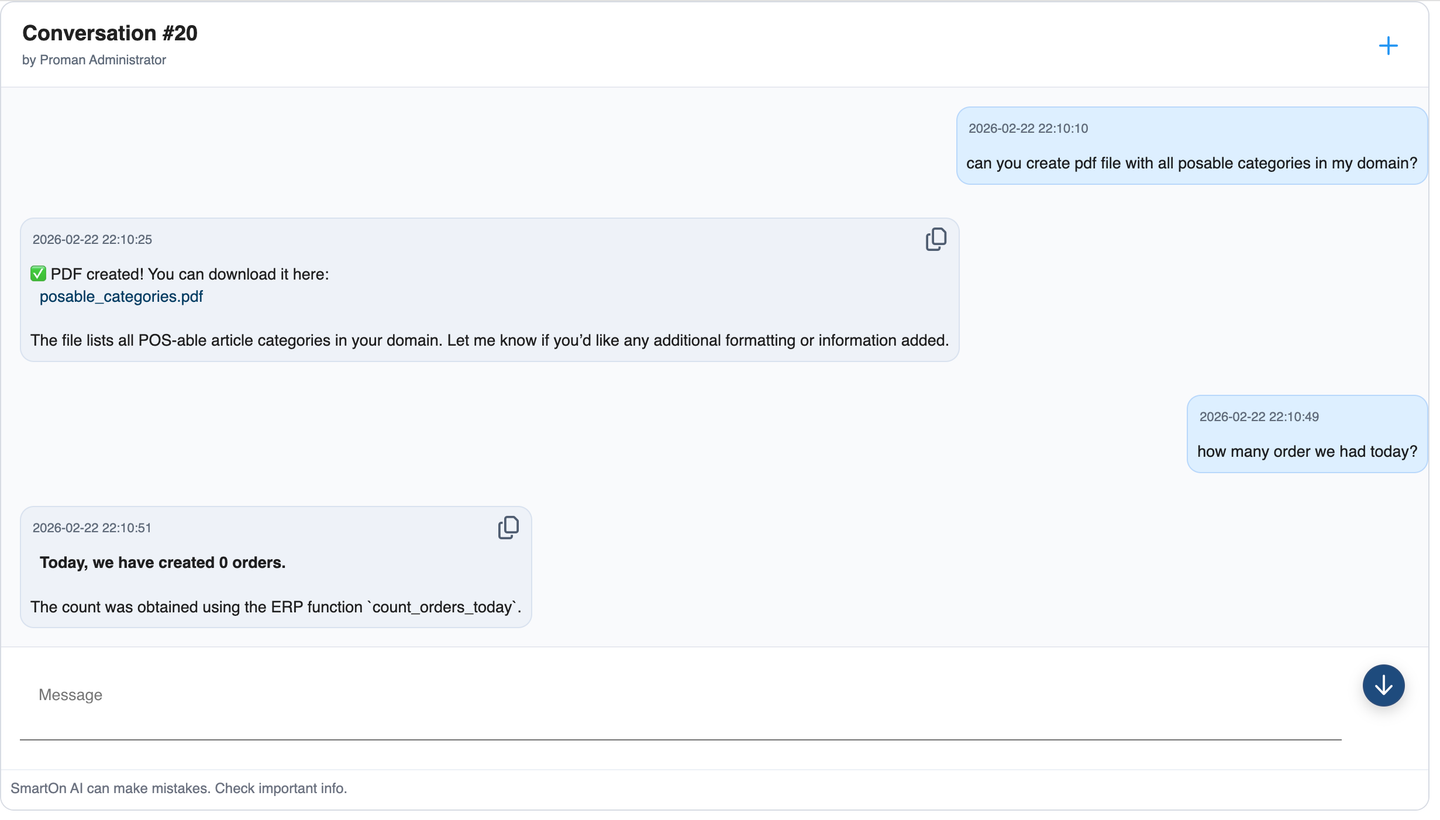
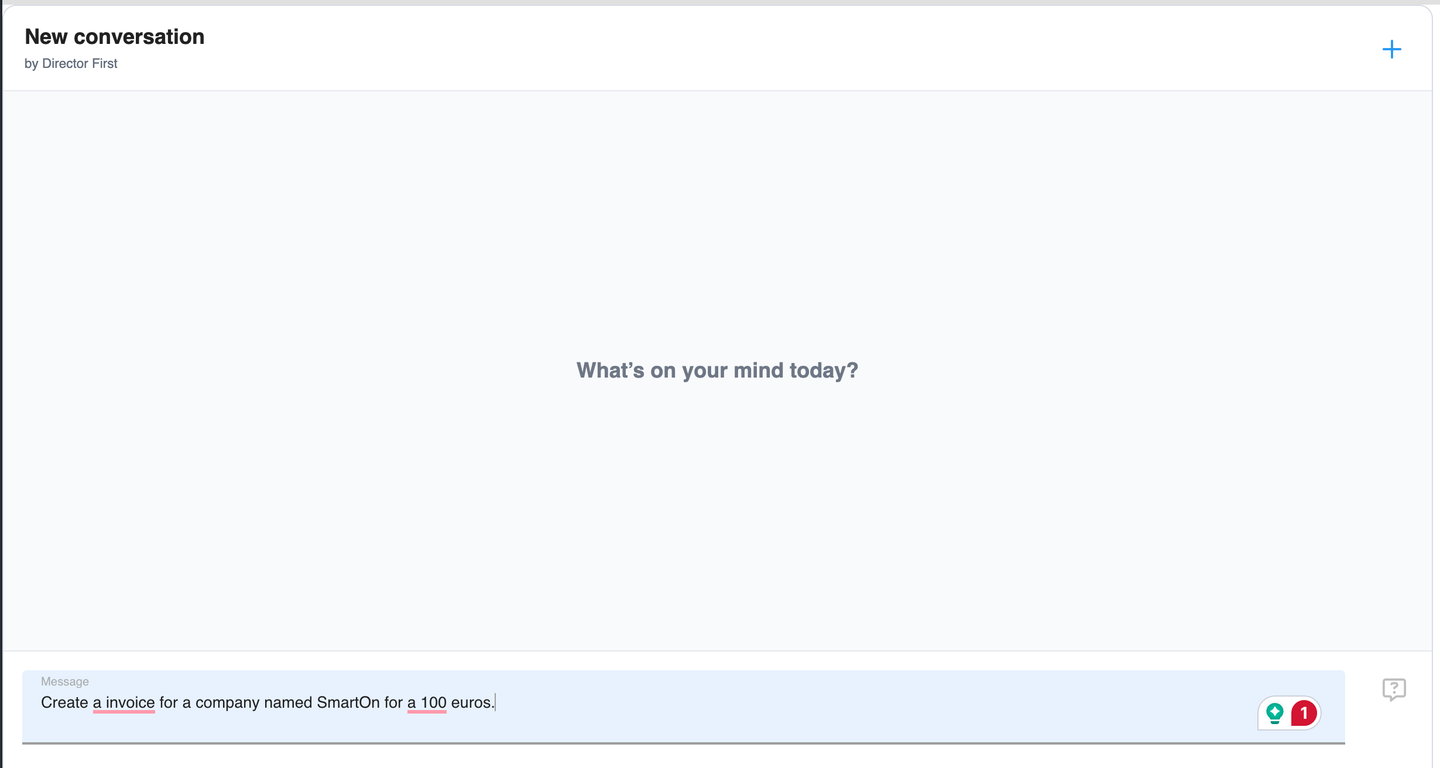
SmartOn AI — New conversation
Capabilities
What SmartOn AI can do
Six capability areas — from querying your ERP to scanning supplier invoices automatically.
ERP Data — Search & Query
- Search customers, products, employees, suppliers
- Customer purchase history and account balance
- Current stock levels and low-stock alerts
- Today's orders and overdue invoices
- Daily business summary and revenue reports
ERP Data — Create & Manage
- Create new products and categories
- Create customers and employees
- Create purchase orders
- Create and manage materials/inventory items
Finance & Analytics
- VAT price calculations
- Revenue summaries
- Overdue invoice tracking
- Daily sales summaries
Document Generation
- Generate PDF reports and documents
- Generate Excel spreadsheets
- Generate XML data exports
- Generate TXT files
Invoice AI (OCR)
- Scan PDF or image invoices
- Automatically extract line items
- Match scanned items to your product catalog
Web & Docs Search
- Search SmartOn documentation
- Search the web for information
How it works
As simple as a conversation
01
Ask a question
Type in plain language — no special commands or training required.
02
AI connects to your data
SmartOn AI queries your ERP directly — customers, products, stock, and financial data.
03
Get an answer or document
The answer comes back as text, a table, or a file — PDF, Excel, XML — with one sentence.