 ×SmartOn
Order.
Pay.
Tip.
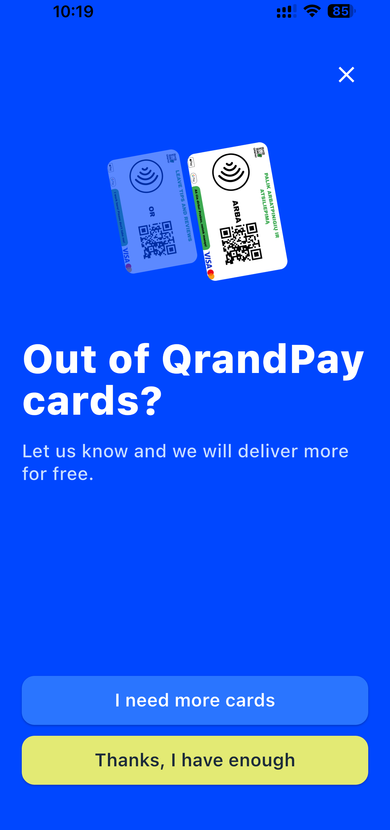
A QR code on the table opens the full menu — guests order, pay, and tip without any app. Powered by our partner QRandPay.
qrandpay.comStart now
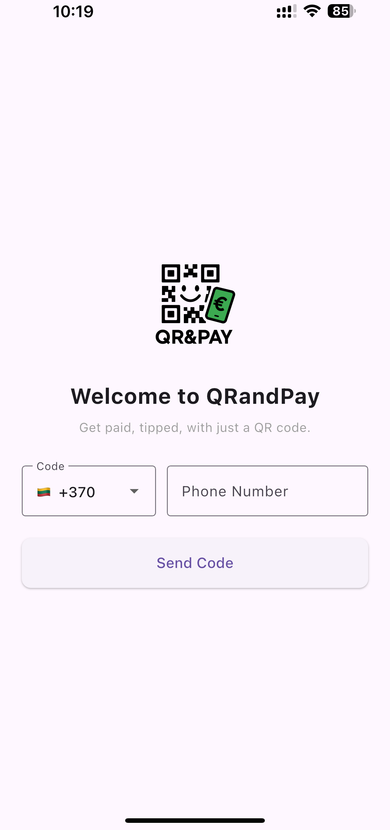
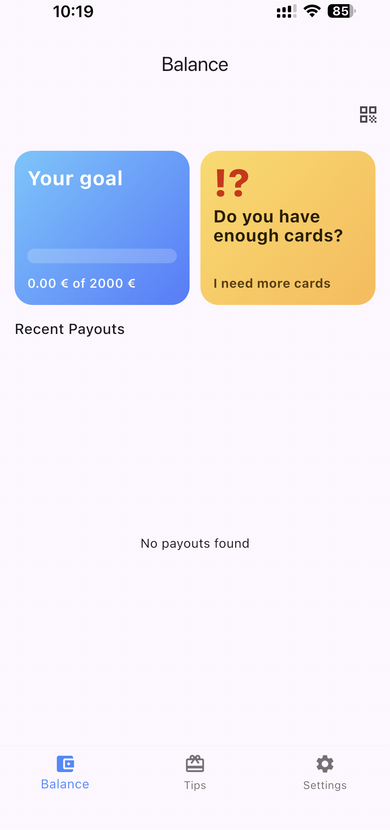
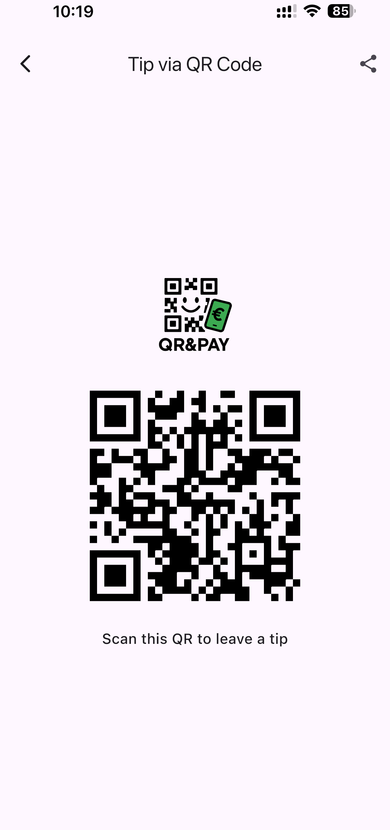
App
Login
Balance
QR
Cards
QR ordering
The entire restaurant — in one QR code
From browsing the menu to paying the bill — guests control everything from their phone, and orders appear in the kitchen instantly.
How it works
Customer scans QR
The QR code on the table opens the menu on their phone — no app needed.
Orders & pays
Picks dishes, calls a waiter, or pays directly — card, Apple Pay, or Google Pay.
Tips & leaves a review
The employee receives the tip instantly and the customer is directed to leave a review.
Digital tipping
Benefits for everyone
For Business Owners
For Employees
For Customers
Tips go directly to the employee
All tips are transferred directly to the employee — the employer and SmartOn do not handle them. The employee is personally responsible for declaring tip income and paying any applicable taxes in accordance with local law. SmartOn does not track or remit taxes on the employee's behalf.
Reviews
Customers leave reviews instantly
After paying, customers can leave a review directly via the QR code — to Google or inside the SmartOn system.
After checkout, the customer is automatically directed to your Google Business page to leave a review. More 5-star ratings, zero effort.

Reviews are stored inside SmartOn — see which staff get the best ratings and manage service quality from your dashboard.
Powered by QRandPay
QR ordering and digital tipping are delivered through our partner QRandPay — specialists in contactless payments and digital tipping solutions.
qrandpay.com