
Touchscreen self-service ordering
Fast, branded, and fully integrated kiosk ordering
Large, intuitive touchscreen solution for restaurants, cafes, fast food, and canteens. Guests order, pay, and provide feedback independently.
Free demo available
Self-service features
Touchscreen Ordering
Large, intuitive interface for browsing menus, viewing images, and customising meals.
Integrated Payments
QR code-based ordering — guests scan, order, pay, signal staff, and leave feedback.
Direct to Kitchen
Orders transmit directly to kitchen display systems or printers instantly.
Receipt Options
Choose between printed tickets or digital receipts.
Brand Customisation
Menu layout, colours, and content matching your brand identity.
Face Recognition
Real-time age estimation for age-restricted products — touchless experience.
Live hardware
Self-service kiosks already in restaurants
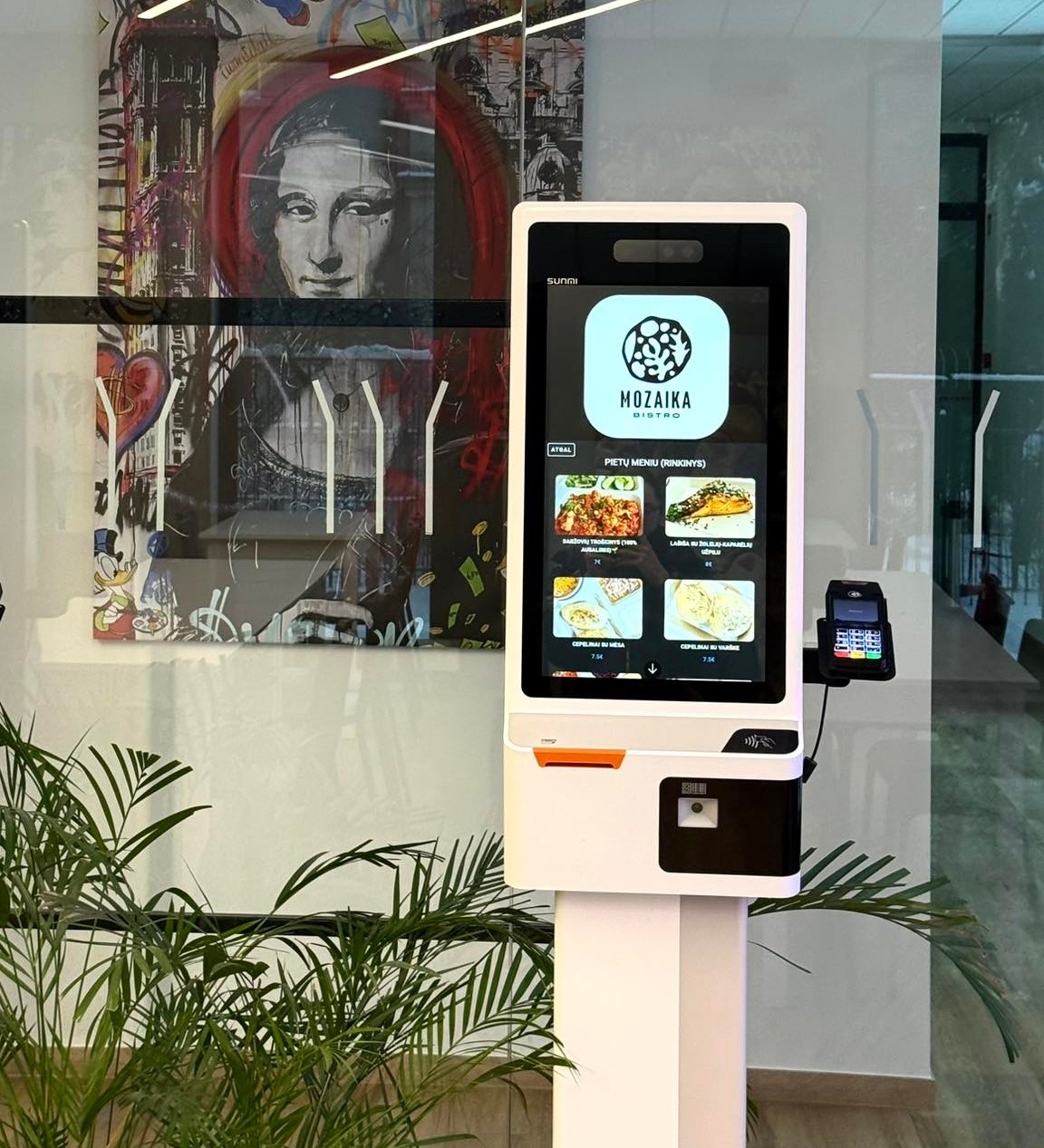
A freestanding kiosk with a large touchscreen, integrated card reader, and receipt printer. Fully integrated with SmartOn POS and kitchen display.
- Large touchscreen with illustrated menu
- Built-in card / Apple Pay / Google Pay reader
- Receipt printer with email-to-receipt option
- Fully customisable to match your brand
- Direct integration with SmartOn POS and kitchen
Preparing
Ready
9:41
SMS · now
Your order #24 is ready for pickup.
Order numbers
Guests know the moment their order is ready
Numbers on a TV screen
The display shows order numbers in two columns: preparing and ready for pickup. An order moves to “Ready” as soon as the kitchen marks it done.
SMS notification
If a guest leaves a phone number, they get an SMS when the order is ready, so there is no need to wait at the counter.
Fewer queues and questions
Staff no longer shout numbers or answer “is my order ready yet?”.
Live demo
Self-service on the customer's phone or kiosk
Guests pick a language, browse the menu with photos and prices, select an item, and pay — all without a waiter.

1. Language select
Guest picks their preferred language
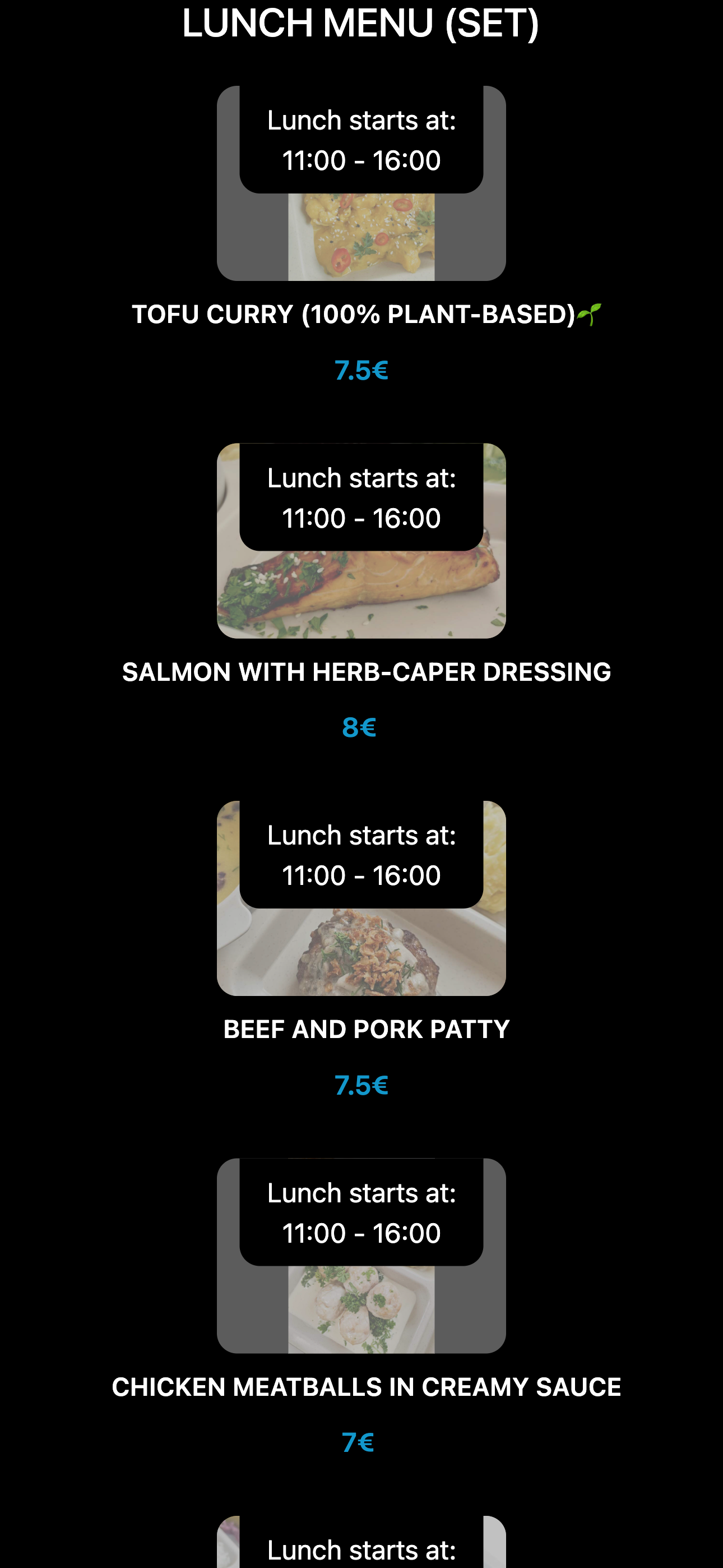
2. Browse menu
Full menu with photos, descriptions, and prices

3. Item detail
Item photo, name, and price at a glance