
Restaurant management made simple
From raw product inventory to card readers — take your business to the next level
SmartOn helps you manage restaurants more efficiently with professional tools for every aspect of operations.
Free demo available
Full restaurant management suite
Table Management
Manage tables professionally — staff enter orders quickly via tablets or any connected device.
Reservations
Centralised reservation system for online bookings and waitlist management.
Staff Operations
Generate X and Z reports, analyse performance metrics, and configure permissions by role.
Inventory Tracking
Raw materials, vendor relationships, and purchase orders — unified in one interface.
Loyalty Programs
Customer retention tools to drive repeat visits and build loyalty.
Gift Cards
Sell and redeem gift cards to accelerate sales and customer acquisition.
Any device
Waiters take orders from their own phone — at every table
SmartOn runs on any phone, tablet, or computer — iOS, Android, Windows, or Mac. No special hardware needed. Plug & play — log in from a browser or download the app. No limit on how many devices work simultaneously.
Food Delivery Integration
Wolt, Bolt Food & Uber Eats — straight into your POS
Orders from food delivery platforms appear automatically in your SmartOn POS. No manual copying — all channels in one place.
- Orders sync in real time
- Automatic confirmation to the platform
- One menu — all channels
- Integrated stock control across all orders



Corporate mode
Multiple locations — one system
Manage all your branches from a single central panel. Changes made here appear everywhere — no need to log in to each location separately.
Disable a product in the main system and it instantly disappears across all locations. Price and menu changes sync automatically.
All stock and raw materials managed from one place. Transfer materials between branch warehouses without extra admin.
Assigned employees can work at any designated location — just log in. Permission levels and time tracking work across all branches.
All branches update instantly
Card Terminal Integration
Press "Pay by card" — the amount goes straight to the terminal
SmartOn integrates directly with card payment terminals. When the cashier taps "Pay by card", the order total is sent automatically to the terminal and waits for the customer to pay. Once the payment goes through, the order closes in the till on its own.
- Order total sent to terminal automatically
- Customer pays — order closes on its own
- No manual amount entry on the terminal
- Works with different terminals and configurations
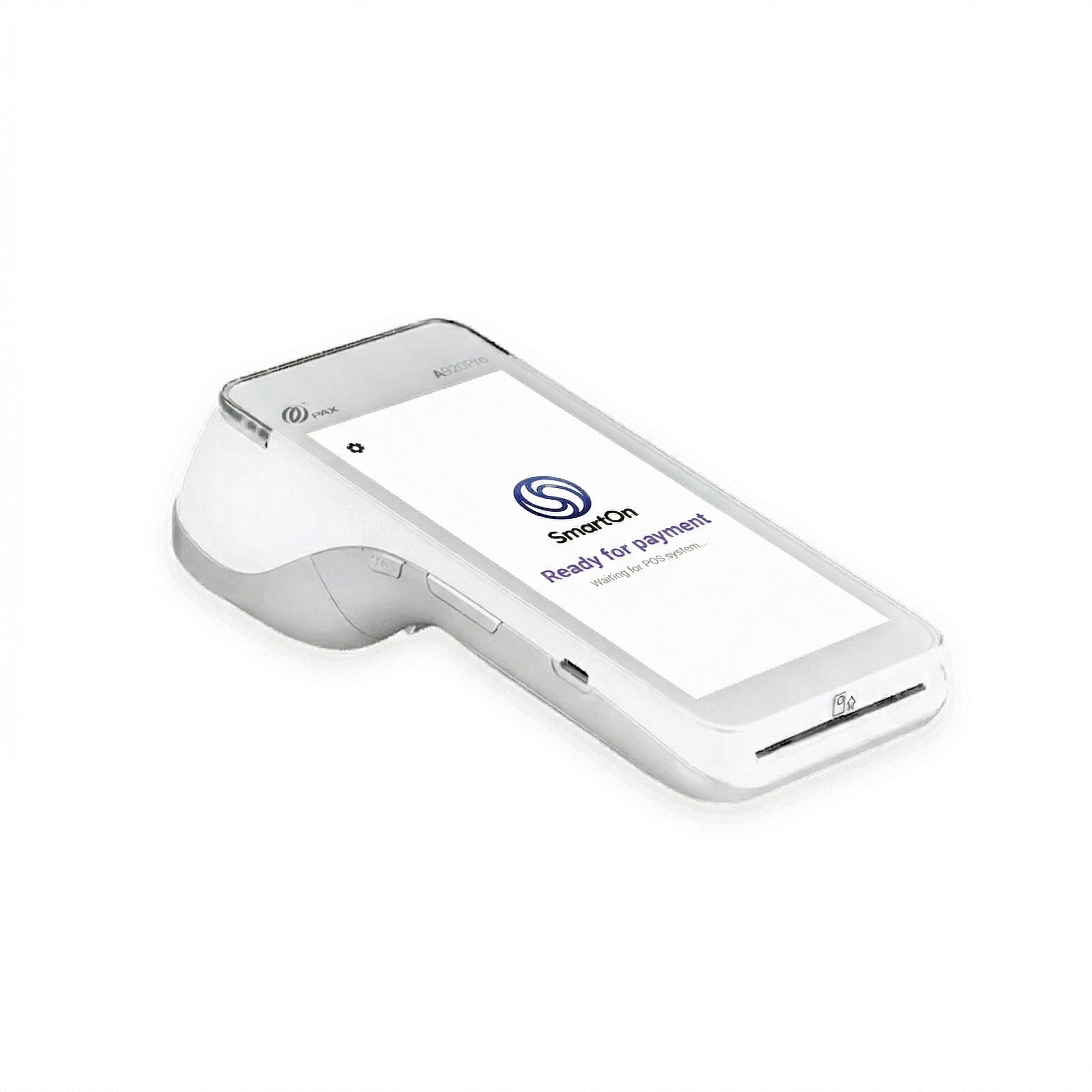
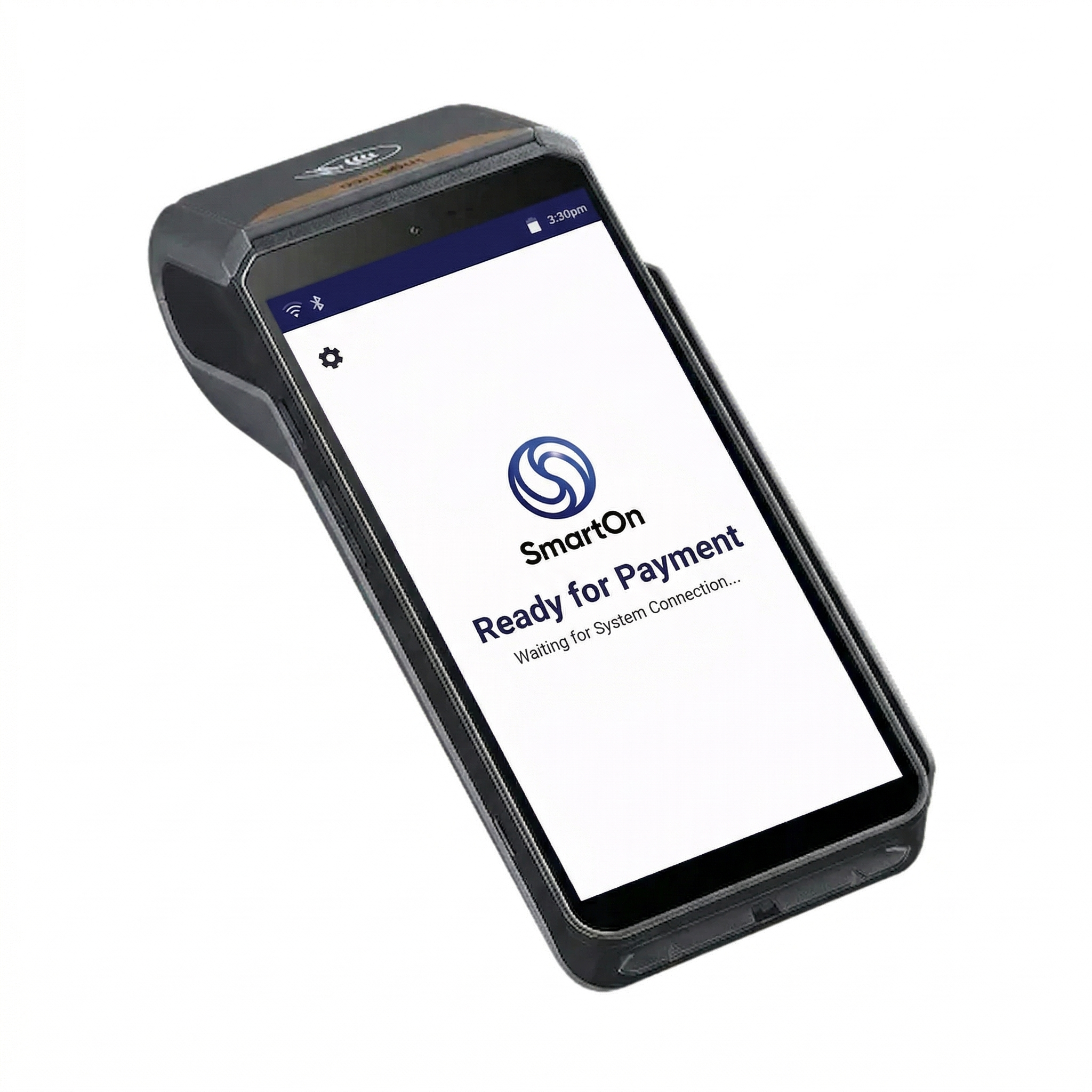
3-in-1 solution
No separate desktop needed. The cash register system can run directly on the payment terminal — everything in one device.
Reports & operations
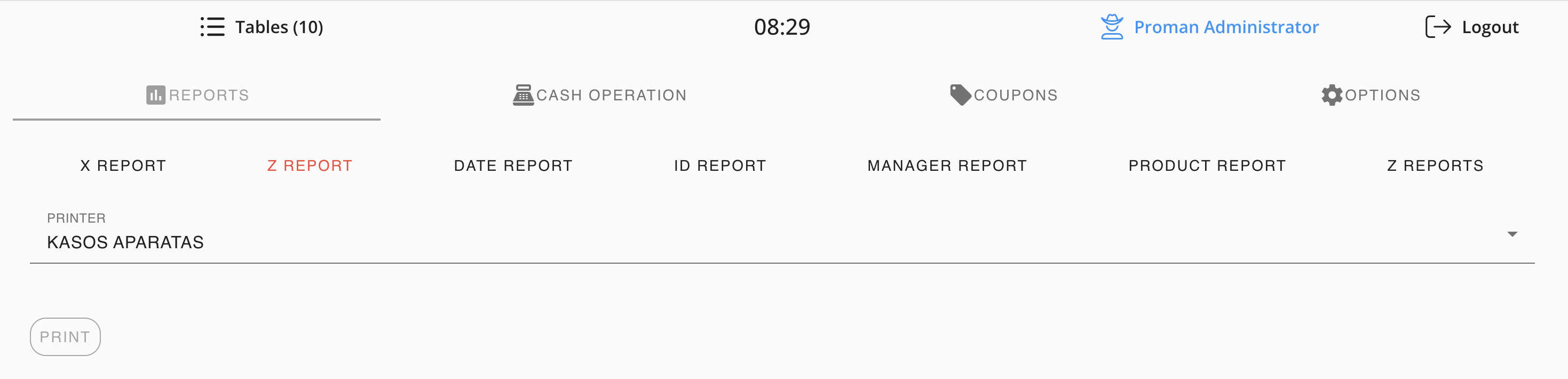
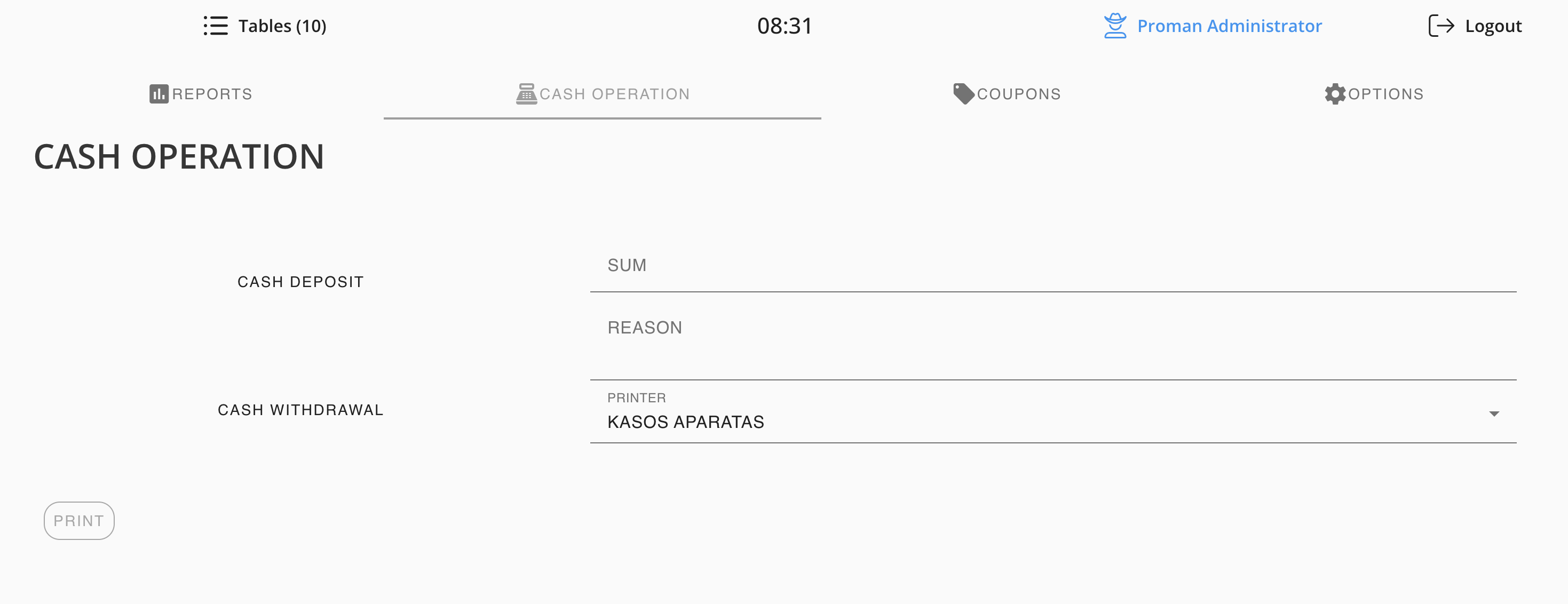
All reports printed straight from the cash register
X and Z reports, reports by date, employee, product, or Z number — all printed directly from the cash register. Cash operations are logged and printed on the spot.
- X Report (interim)
- Z Report (fiscal end-of-day)
- Reports by date and Z number
- Manager and product reports
- Cash deposit and withdrawal logging
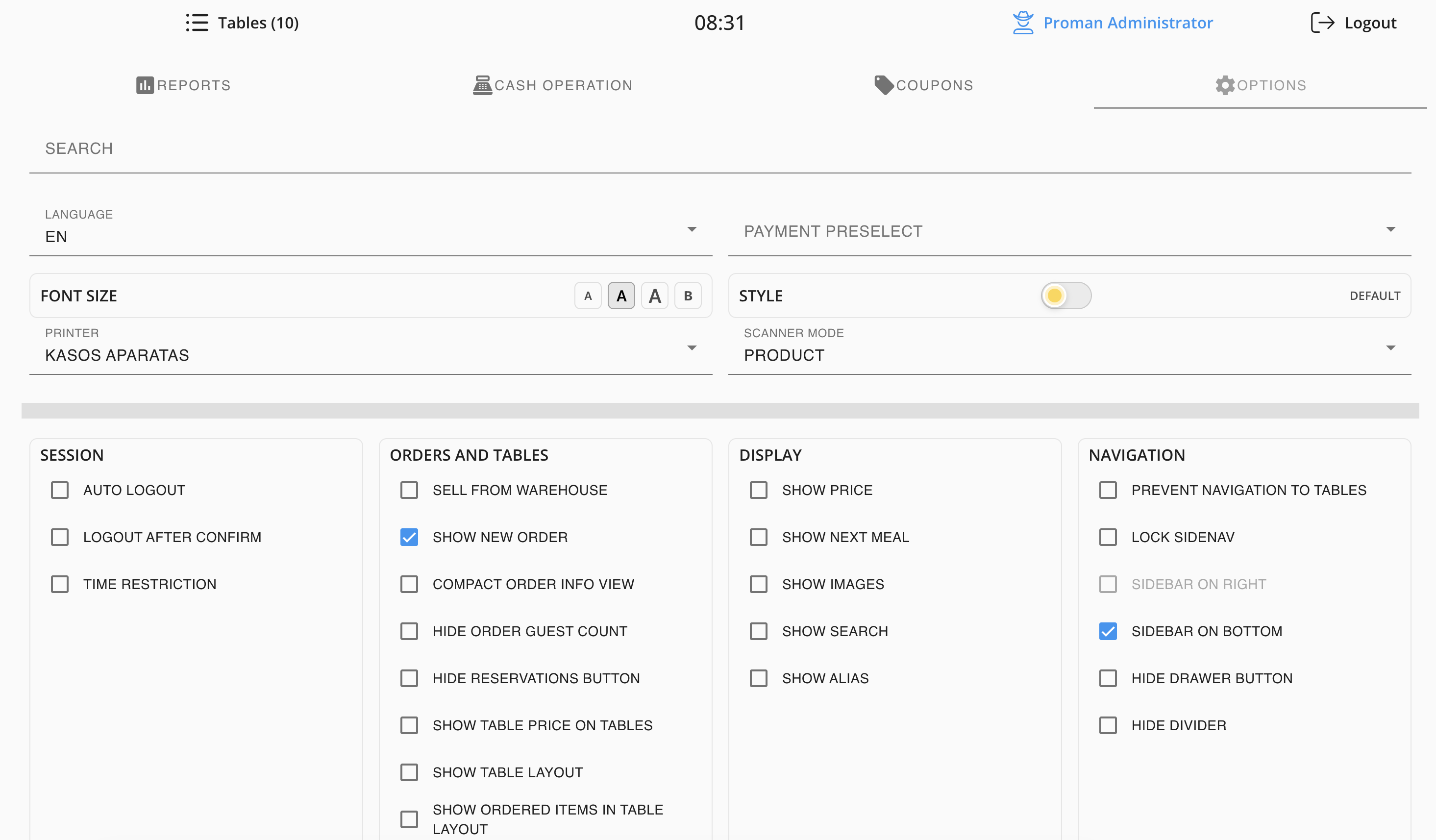
Flexible settings
The POS adapts to the way you work
Turn on only what you need. Hide buttons you don't use. Add a search bar, a next-meal button so the kitchen knows what to prepare next, adjust font size, scanner mode, display style — all configurable in a few clicks.
Session
- Auto logout
- Logout after confirm
- Time restriction
Display
- Show price
- Show next meal
- Show images
- Show search
Orders
- Show new order
- Sell from warehouse
- Hide reservations button
Navigation
- Sidebar on bottom
- Lock to table
- Hide divider